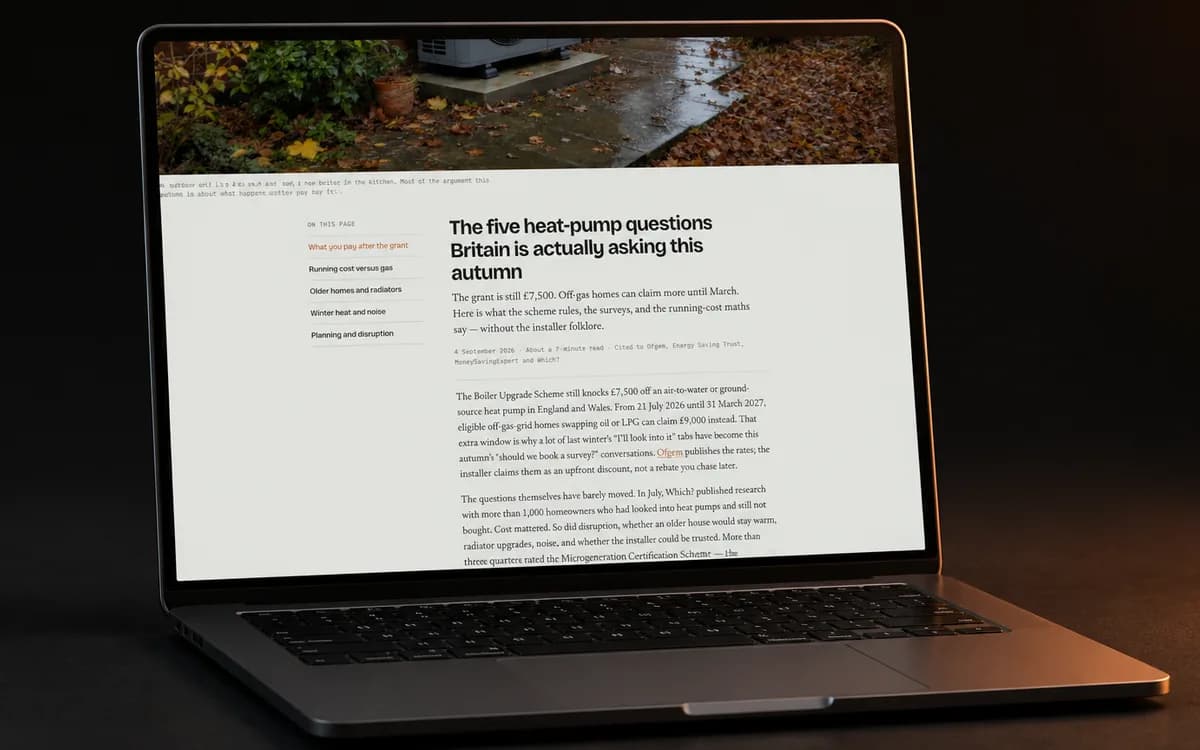
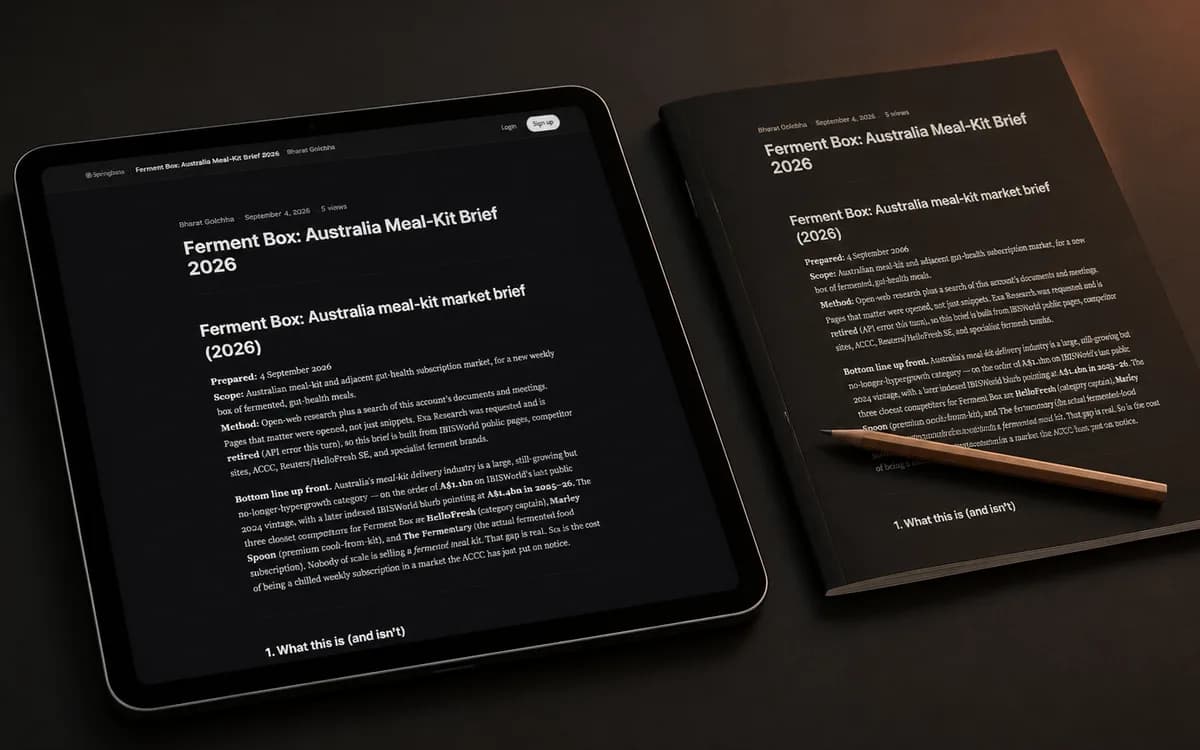
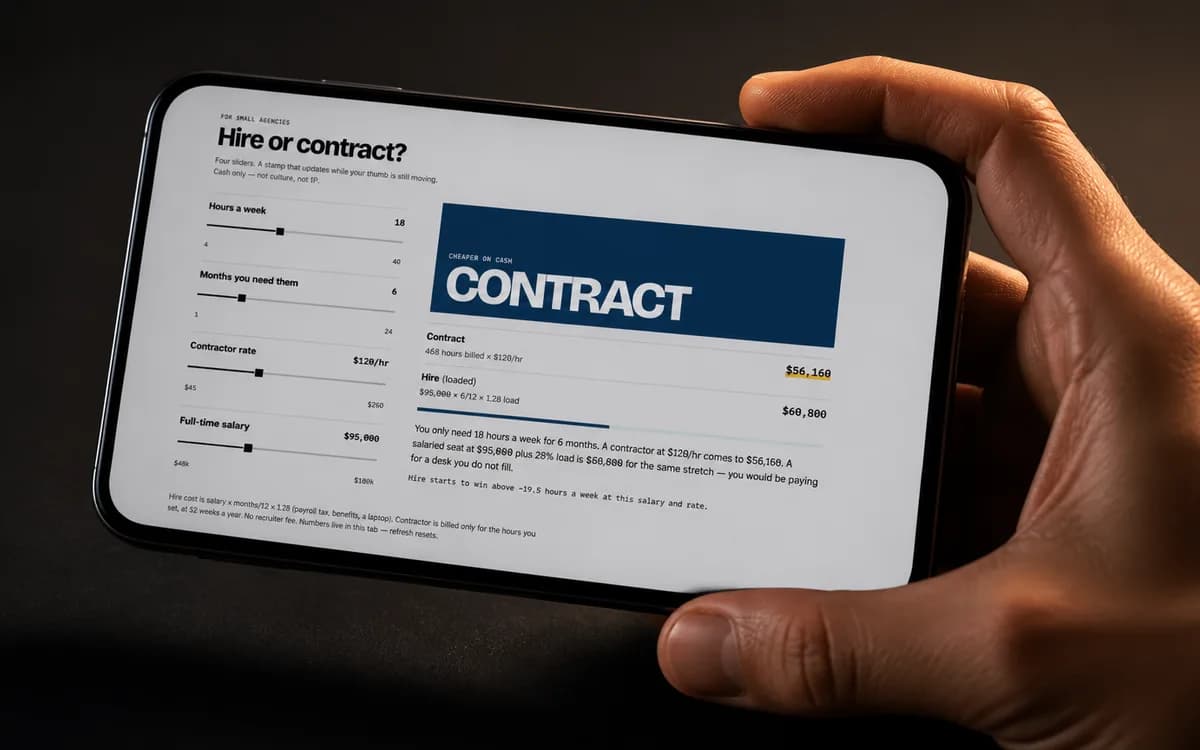
For sales teams

Turn every stalled deal
into a recovery workflow.

Springbase converts sales calls, CRM notes, objections, emails, and account history into follow-ups, deal recovery plans, objection maps, CRM updates, and next-best actions, automatically.

Objection mapAccount summaryNext-best actionsReactivation draftsCRM updates

Plan Mode · Canvas · Live context · Meetings · Agents · Recipes

Why sales teams use Springbase

The space between a stalled dealand the next move that closes it.

A stalled deal isn't dead — it's missing a path. Springbase reads the calls, CRM notes, and email history, then builds a recovery plan with an objection map, next-best actions, and drafts your reps can send today.

A stalled deal isn't a lost deal.
The signal is in the calls and notes.
Springbase finds the next move.
Objections mapped. Actions ranked.
A recovery plan you can run.

Where Springbase fits for sales

Not another note-taker.
Not another CRM field.

Meeting tools record the call. CRMs store the fields. Springbase reads across all of it, reasons about why the deal stalled, and ships a recovery plan with objection maps, next-best actions, and ready-to-send follow-ups.

One task, four tools

Turn yesterday's client call into a send-ready follow-up.

Watch where each tool stops.

PlanShip

LLM chat

ChatGPT · Claude · Gemini

Stops at a reply you still have to use

Meeting tools

Otter · Fireflies · Fathom

Stops at a transcript of what happened

Automation

Zapier · Make · n8n

Moves the data — can't write the email

Springbase

Goal → asset

Ships the follow-up — drafted, formatted, ready to send

Answers questions with reasoning

LLM chat
Meetings · transcript Q&A
Automation
Springbase

Uses your knowledge as context

LLM chat · manual upload
Meetings · meetings only
Automation · app data only
Springbase

Records and transcribes meetings

LLM chat
Meetings
Automation
Springbase

Takes actions across connected tools

LLM chat · limited
Meetings
Automation
Springbase

Ships finished, shareable assets

LLM chat · text only
Meetings
Automation
Springbase

Packages workflows you can re-run

LLM chat
Meetings
Automation
Springbase

Springbase 0/6 · closest alternative 2/6

See how a plan runs

What sales teams ship with Springbase

From call notes to closing moves.

Account briefs, recovery plans, outreach — finished work that moves deals forward. Click any asset to open the live version.

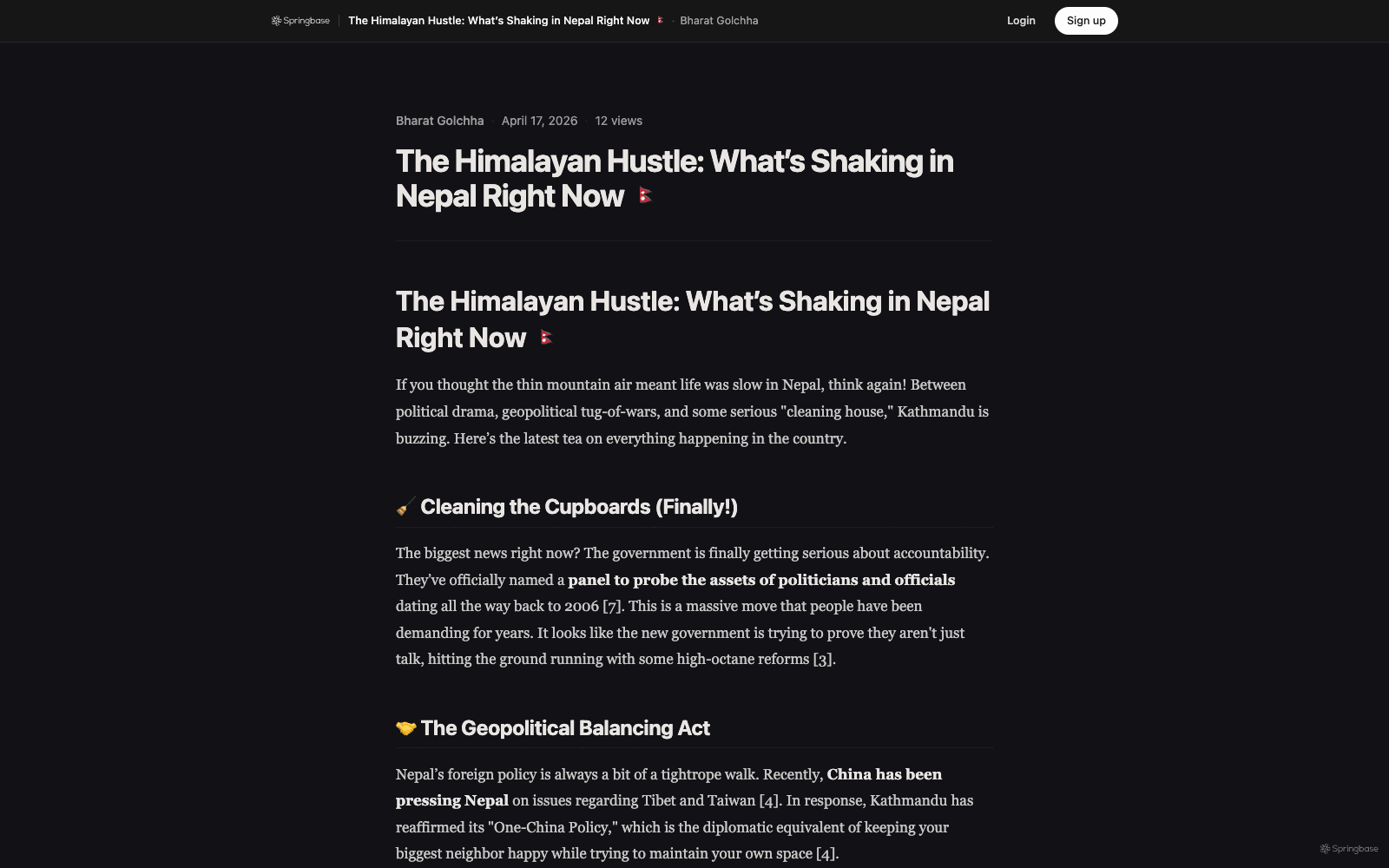
The Himalayan Hustle

Published research brief
Open
The Himalayan Hustle asset preview
Research brief assetNews synthesis, context, source notes
Selected asset

The Himalayan Hustle

A readable current-events brief that turns live research into a structured, citation-style article ready to share.

Open asset

The product spine

Give it the goal.
Get back the asset.

Control

Change your mind halfway through.

It doesn't disappear into a black box. While it's working you can add something, drop something, or send it somewhere else — just by saying so. It picks that up and carries on, and nothing it has already done is thrown away.

See what it ships

Canvas

The answer does not end in chat.

Springbase opens polished assets in Canvas: reports, dashboards, diagrams, HTML pages, React tools, markdown docs, SVGs, and shareable mini-apps.

See Canvas assets

Context

Every step uses your real knowledge.

Bring in documents, PDFs, images, meetings, saved contexts, projects, and connected files. Chat, agents, recipes, and assets all cite the same source of truth.

See live context

Agents

When a step needs action, agents do it.

Agents help with action steps across connected tools. Let them draft, update, create, post, or ask for approval while the workflow stays visible.

Meet the agents

Recipes

Recipes, for the work that repeats.

When a job is worth doing again, save it. Package the inputs and the trigger as a recipe that re-runs the same work on fresh material — on demand, on a schedule, or by anyone on your team.

Build a recipe

Models

Major models, quietly underneath.

GPT, Claude, Gemini, Llama, Grok, and other specialist models can power the right step at the right time. Switch when you need to, but let the workflow lead.

Explore the platform

How sales teams run it

Deal context in. Next moves out.

Point Springbase at the deal's history. It reasons across calls and notes, then ships the brief, the plan, or the outreach you need next.

Recover a stalled deal

You bring

Sales calls, CRM notes, email thread, account history

Springbase ships

Recovery plan with objection map, next-best actions, and a follow-up sequence

Prep for a key account

You bring

Discovery call recordings and stakeholder notes

Springbase ships

Account brief with stakeholder map, priorities, and a tailored pitch angle

Re-engage cold pipeline

You bring

Dormant opportunities and past conversation history

Springbase ships

Reactivation drafts and a prioritized outreach list, ready to send

One knowledge layer

Every answer runs on
real company memory.

Your documents, meetings, projects, connected files, and saved contexts live in one knowledge layer. Every answer, Canvas asset, recipe, and agent pulls from the same source of truth.

Inputs7 source types
  • PDF

    PDFs & Docs

    upload

  • OneDrive files

    /Q3 Planning

    live
  • Projects

    workspace

  • Images

    OCR-ready

  • Meetings

    transcripts

    live
  • Saved contexts

    team memory

  • Live sources

    connected

    live
ContextLive sources

Q3 Planning

your knowledge layer

14

Sources

1,247

Chunks

2m

Synced

Mixby chunks
DocsOneDriveImagesMeetingsOther

Every answer, grounded.cited.

Grounds everything4 surfaces
  • Chat

    Cited answers

  • Canvas

    Cited assets

  • Recipes

    Baked-in grounding

  • Agents

    Operate on it

Retrieval1.2k/s

One index, everywhere

Add a source once — chat, Canvas, recipes and agents all see it.

Auto-refresh, live

Supported live sources refresh on their own schedule. No re-upload.

Cite, don't hallucinate

Every claim can trace back to source material or meeting context.

Context + Meetings

Every meeting can become
useful work.

Capture calls from Zoom, Google Meet, or Teams, or add recordings, transcripts, Slack threads, and WhatsApp voice notes. Springbase turns them into searchable context, then folds them into the same knowledge layer everything else runs on. It can turn that call into follow-ups, project tasks, client reports, or a Canvas brief.

  • Ingest meeting data from live calls, recordings, uploads, and chat apps
  • Meeting transcripts and participant context
  • Citations that connect answers back to the source
  • Available to chat, recipes, agents, and Canvas assets
  • Query one meeting or synthesize across all of them
How meetings become work

Q4 Planning Sync · Product + Growth

Apr 12 · 47 min · 4 speakers · auto-indexed

JM
AR
KP
SO
0:0047:12
B
What did we decide about enterprise pricing?
S

Jess proposed bumping enterprise by 15% starting Q4, with grandfathering for existing contracts. Amir and Kai agreed.

Jess Mehta·32:41Amir R.·33:28Kai P.·34:02

Pricing

Start free.
Scale when work compounds.

Use Springbase for everyday chat, then upgrade when agents, live context, meetings, and Canvas assets become part of your team’s rhythm.

Free

Explore the workspace. No credit card.

$0forever
  • 100 credits / month
  • Core free-tier models
  • Agents, web search, and image generation
Start free

Starter

For individuals turning goals into work.

$9.99/month
  • 1,000 credits / month
  • Standard models — Claude Sonnet 5, GPT-5.6 Terra, Grok 4.6
  • Unlimited meetings & transcription
Start on Starter
Popular

Pro

For heavier work, live context, and assets.

$19.99/month
  • 3,000 credits / month
  • Premium models (GPT, Claude, Gemini)
  • Thorough research with cited sources
  • Live contexts — auto-refresh knowledge bases
  • Automations — scheduled and event-triggered runs
Start Pro

No credit card for Free · Cancel anytime · Keep your data

Compare every plan

Frequently asked

Straight answers.
No fluff.

The questions we get most — answered like we’d want them answered.

Yes. Feed it the call recordings, CRM notes, and email history. Springbase reasons across the full deal, surfaces the real blockers, maps the objections, and ranks the next-best actions to get it moving again.

It drafts reactivation emails and follow-up sequences grounded in the specific deal — the stakeholders, objections, and history — so the outreach is ready to personalize and send, not generic templates.

Springbase works from the calls, notes, and account context you already capture. It produces briefs, plans, and CRM-ready updates that slot into your existing process instead of replacing it.

A single AI workspace that runs complex work end to end, using your knowledge, meetings, and apps. Give it a messy goal and it works through the whole job; Canvas holds the finished assets, Recipes repeat the work that repeats, and Agents act across your connected tools.

It breaks the job into steps itself and works through them, picking the right capability for each one — research, deeper reasoning, code, writing, images, or an agent action. You can watch it as it goes, change what it is doing part-way through, or stop it.

Canvas assets are finished outputs that open beside chat: markdown docs, reports, dashboards, diagrams, HTML pages, React tools, SVGs, Mermaid charts, and shareable mini-apps. They make the final result usable instead of leaving it buried in a chat bubble.

Those are excellent chat apps. Springbase is built around finishing work: it shows what it is doing as it goes, grounds it in your own docs and meetings, uses agents where a step needs acting on, and hands back a polished Canvas asset at the end.

Springbase supports major model families like GPT, Claude, Gemini, Llama, Grok, and specialist models. You can switch manually, but Springbase is designed so the workflow leads and the right model powers the right step.

Upload PDFs, docs, and images, or use meetings, projects, OneDrive files, saved contexts, and supported live sources. Springbase indexes them into Context and uses citations so answers and assets can point back to the source.

Springbase can turn meetings and uploaded recordings into searchable Context. That meeting context is then available to chat, recipes, agents, and Canvas assets.

Free forever with 100 credits a month to explore — no card required. Paid plans add more credits and unlock heavier workflows such as long multi-step runs, live context, meetings, premium models, and richer asset generation.

Your data is yours. Springbase uses workspace, account, and database-level controls to keep user data scoped to the right people, and lets you delete conversations, contexts, and meetings when you no longer need them.

Yes. Invite teammates, share Recipes, publish Contexts, reuse assets, and build a common workflow library so everyone works from the same source of truth. Higher plans add stronger admin and billing controls.

The iOS app ships today — full chat, every model, recipes, agents, and on-device meeting recording. Android is in the works. The web app is responsive and works beautifully on mobile browsers in the meantime.

You don't have to switch — you can consolidate. Springbase adds workflow features chat apps usually don't center: team knowledge, work you can watch and redirect, agents, meetings, recipes, and Canvas assets.

Still wondering?

Book 15 min with a human, or read the docs. No pitch.

Turn every stalled deal
into a recovery workflow.

See pricing

Free forever plan available. Sign up to run the plan you just drafted.