
Record any call
on your Mac.
A small app that lives in your menu bar. It spots WhatsApp, Zoom, Meet, Teams and Slack calls, records both sides separately, and files a labelled transcript and summary in Springbase — which stays in your browser.
What it does
Your calls, written down.
Knows when you're on a call
Detects WhatsApp, FaceTime, Zoom, Google Meet, Teams, Slack huddles and Discord — then asks before it records anything.
Hears both sides, separately
Your microphone and the other side are captured on separate channels, so the transcript comes back labelled Me and Them instead of guessed at.
Keeps the start of the call
Buffers from the moment a call is detected, so pressing Start doesn't cost you the first thirty seconds of the conversation.
Where it lives
In your menu bar, not in your way.
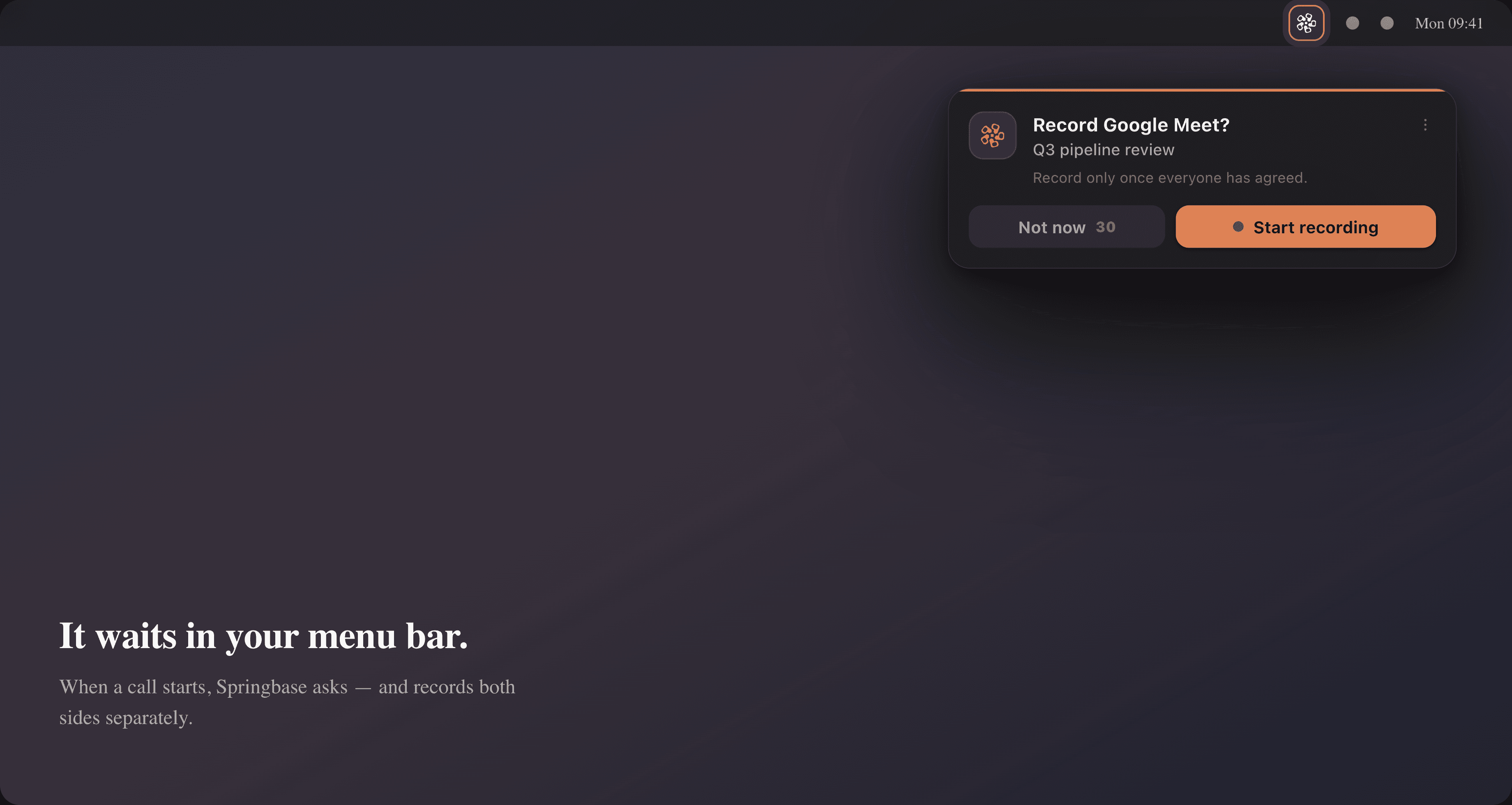
It lives in your menu bar
No window and no Dock icon. Click the Springbase icon up top to start a recording, jump to your meetings, or change settings.
It always asks first
Nothing is recorded until you press Start. Set a per-app rule to always record or never ask again — your call, per app.
Everything else is in your browser
Transcripts, summaries and the rest of Springbase open at springbase.ai. Nothing to keep in sync, nothing new to learn.
Requires macOS on Apple silicon. Recording asks for microphone and screen-recording permission — macOS exposes system audio through screen recording, which is how the other side of the call is captured.
Install in under a minute
Four simple steps.
Download the app
Click the button above. The Springbase installer saves to your Downloads folder.
Open the installer
Double-click the downloaded file to open it.
Drag to Applications
Drag the Springbase icon into your Applications folder.
Look in the menu bar
Open Springbase, then click its icon in the menu bar to sign in. Allow microphone and screen recording when macOS asks — that is how it hears both sides of a call.
First time opening it? macOS verifies the app with Apple — this takes a moment and only happens once.
Safe by design
Safe to install.
Always up to date.
Every release is signed with our Apple Developer ID and notarized by Apple, so macOS trusts Springbase from the very first launch. After that, the app updates itself quietly in the background — you'll always be on the latest version without lifting a finger.
Signed with Apple Developer ID
Verified as genuine Springbase software.
Notarized by Apple
Checked for malware, so macOS trusts it from the first launch.
Automatic background updates
Quietly keeps itself on the latest version.
Your recordings stay yours
Audio uploads to your own Springbase account and local copies are deleted afterwards. Decline the prompt and the audio is discarded immediately.
v0.3.1 · 110 MB · macOS on Apple silicon