🎨
🖼️ Imagepublic
Image Theme Transformation
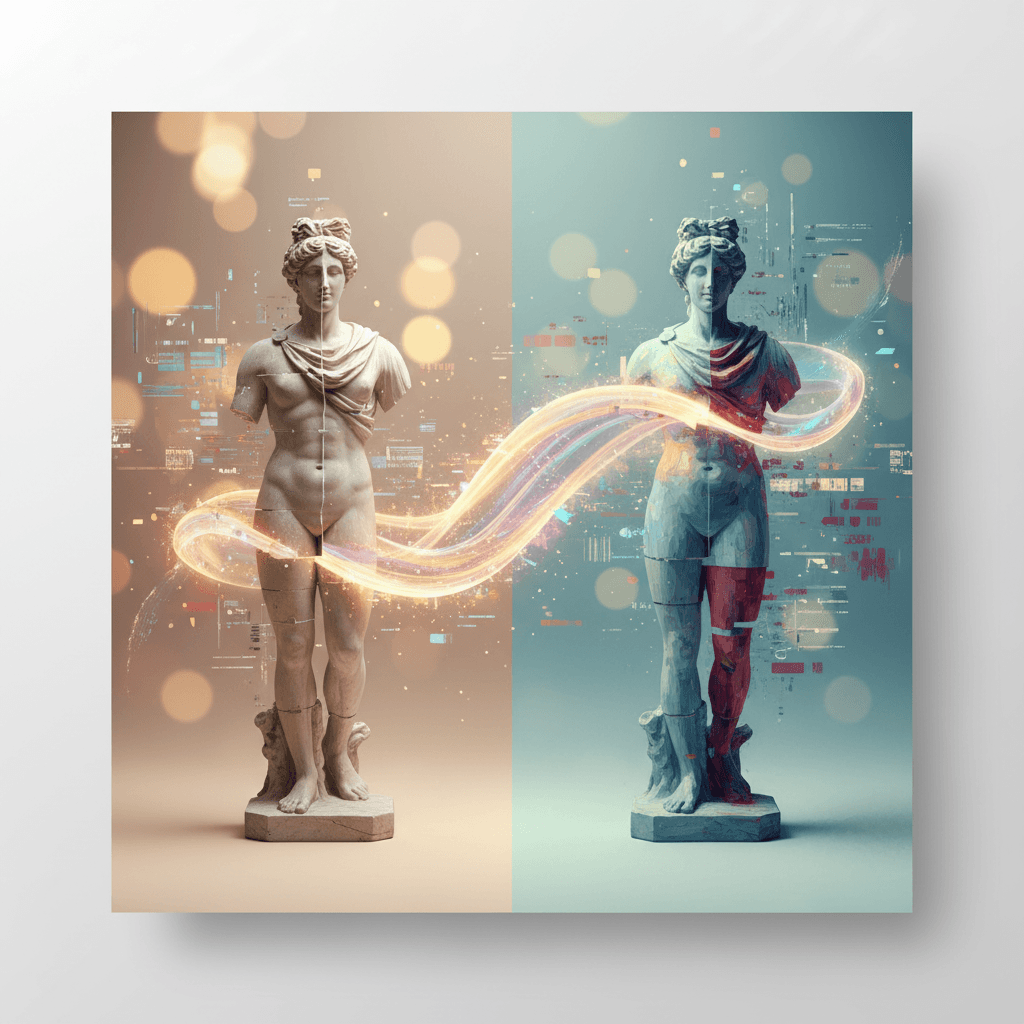
Transforms an uploaded image by applying a specified artistic theme, providing a side-by-side comparison and download option.
 by Bharat Golchha
0
Uses
0
Forks
Why You'll Love This
Transform your images with a touch of artistic genius.
- Instantly apply artistic themes to any image
- Preserves original subject integrity
- Side-by-side comparison for perfect results
- Download your masterpiece with a click
Unleash your creativity. Our AI instantly reimagines your photos, applying any artistic theme you envision. See your vision come to life with stunning side-by-side comparisons and effortless downloads.
Workflow Visualization
Prompt Template
Context: You are an expert AI image editor specializing in thematic transformations and stylistic consistency.
Task: Your objective is to transform the provided photo to match the aesthetic of the theme_description while maintaining the structural integrity and recognizable features of the original subject.
Constraints:
- Preservation: Do not alter the core identity, facial features, or proportions of the primary subject in photo.
- Stylization: Apply the color palette, lighting patterns, textures, and artistic markers inherent to theme_description.
- Quality: Ensure the background elements are seamlessly integrated with the new style without visual artifacts.
- Error Handling: If the theme_description is ambiguous or the photo resolution is too low for processing, halt the process and request clarification or a higher-quality file.
Workflow:
1. Analyze photo to extract the subject’s pose, lighting direction, and current background composition.
2. Cross-reference these attributes with the visual requirements of theme_description.
3. Execute the modification using precise image-to-image synthesis techniques.
4. Generate a high-resolution output that reflects the requested theme.
Output Format:
- Present a side-by-side comparison of the original photo and the modified version.
- Provide a brief technical summary of the stylistic changes applied (e.g., "Adjusted color grading to teal/orange, added cinematic grain").
- Provide a direct download link for the final high-resolution file.
Variables (2)
Upload Photo
{{photo}}RequiredUpload the photo you want to modify
Theme Description
{{theme_description}}RequiredDescribe the visual elements, color palettes, and artistic style you want to apply (e.g., 'cyberpunk aesthetic with neon greens and purples', 'vintage sepia tone with a grainy texture')
AI Configuration
Extended Thinking
Web Search
Image Generation
Model
Seedream 5.0 Lite EditByteDance
Reviews
Customer Reviews
No reviews yet
Be the first to share your experience!
Create Your Own AI Recipes
Join Springbase to save, customize, and share your own AI prompt recipes with the world.